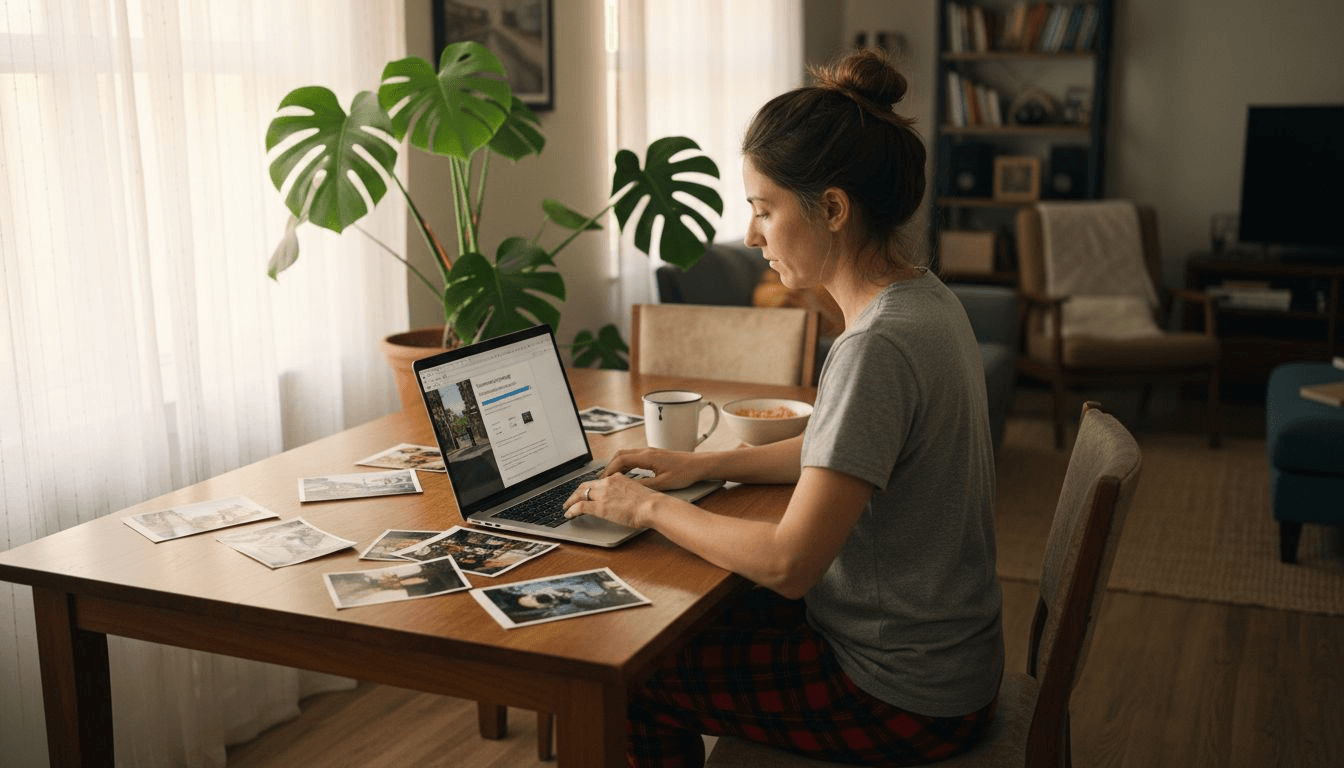
Creating personalized home decor from your favorite photos sounds amazing, but many people feel confused about how AI actually transforms a simple snapshot into a professional poster ready for your wall. The process seems technical and complicated at first glance. This article breaks down exactly how photo to poster AI tools work, what quality factors matter, and practical steps to create stunning personalized wall art. You'll understand the technology, learn to navigate image quality challenges, and discover how to turn memories into museum-grade prints for your home.
Table of Contents
- What Is Photo To Poster And How Does AI Transform Your Photos?
- How AI Technology Handles Image Quality And Complex Edits
- Comparing AI Poster Generation To Traditional Printing Methods
- Practical Steps To Create Your Personalized Photo Poster With AI
- Enhance Your Home Decor With Posterify's AI-Generated Posters
- Frequently Asked Questions
Key takeaways
| Point | Details |
|---|---|
| AI transforms photos into print-ready posters | Upload your image, add style prompts, and AI generates multiple design variants in 10-30 seconds at 300 DPI resolution |
| Image quality determines final poster success | Low-resolution photos need AI upscaling up to 16x to avoid pixelation at large poster sizes like 24x36 inches |
| AI offers creative flexibility over traditional printing | Traditional services print as-is while AI tools add styling, text overlays, and design variations quickly |
| Process requires minimal technical skills | Simple upload, prompt creation, preview checking, and export steps make personalized poster creation accessible to everyone |
What is photo to poster and how does AI transform your photos?
Photo to poster refers to AI-powered services and tools that transform personal photos into custom, print-ready posters for home decor, using image upload, AI editing and enhancement, and automated design and layout. You start by uploading your favorite photo to an AI platform designed for poster creation. The technology analyzes your image and prepares it for various creative transformations.
The process involves several automated steps that happen remarkably fast. You can add text descriptions or style prompts to guide the AI's creative direction. Want a vintage look for your family portrait or a minimalist aesthetic for your vacation photo? The AI interprets these instructions and applies sophisticated editing techniques. Within 10 to 30 seconds, the system generates multiple design variants, each offering a different creative take on your original image.
What makes this technology particularly valuable for home decor is the output quality. AI poster tools automatically process images to reach 300 DPI resolution, the industry standard for sharp, professional prints. This resolution ensures your poster looks crisp whether you're printing at 11x17 inches or scaling up to 24x36 inches for a statement wall piece.
The creative possibilities extend beyond simple photo reproduction:
- Duotone color schemes that give photos an artistic, gallery-worthy appearance
- Vintage filters that add nostalgic warmth to modern digital photos
- Text overlays for motivational quotes, dates, or personalized messages
- Style transfers that reimagine photos in different artistic movements
- Background adjustments that enhance focus on key subjects
This approach to creating ai-generated posters for home decor democratizes professional design. You don't need Photoshop skills or design training to produce posters that look like they came from a professional studio. The AI handles complex editing tasks automatically, letting you focus on selecting the styles and variations that match your vision for your space.
How AI technology handles image quality and complex edits
Image quality presents the biggest challenge when transforming photos into large format posters. A photo that looks perfect on your phone screen may appear pixelated and blurry when printed at poster size. AI upscaling technology solves this problem by intelligently increasing resolution up to 16x without losing detail. For a 24x36 inch poster, you need images at 300 DPI to avoid visible pixelation, which means your source file must contain enough information for the AI to work with.
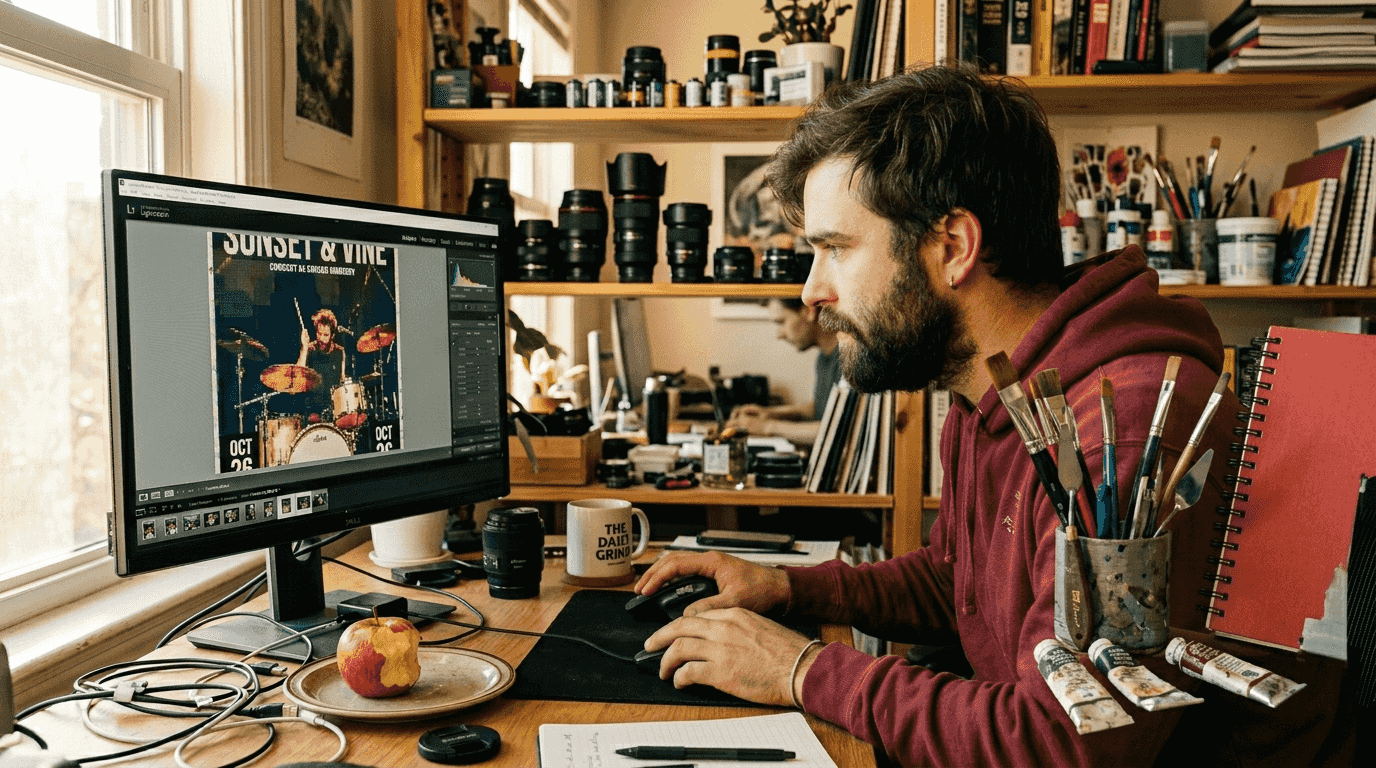
The upscaling process uses machine learning models trained on millions of high-quality images. These models understand how details should appear at higher resolutions and fill in missing information intelligently. When you upload a low-resolution photo, the AI analyzes patterns, textures, and edges, then reconstructs the image at a higher resolution while maintaining natural appearance. This technology transforms photos that would otherwise be unusable for printing into sharp, clear poster-ready files.
Beyond resolution, AI handles several sophisticated editing challenges:
- Inpainting techniques remove unwanted objects or blemishes seamlessly
- Style transfer algorithms apply artistic effects while preserving photo integrity
- Color correction balances exposure and enhances vibrancy automatically
- Edge enhancement sharpens key details without creating artificial-looking results
- Noise reduction cleans up grainy photos from low-light conditions
Busy backgrounds create another common problem when adding text to photo posters. Your carefully chosen quote might be completely unreadable if it sits on a cluttered or similarly colored background. AI tools apply auto-contrast overlays that analyze the background beneath text areas and automatically adjust opacity, add subtle shadows, or create gradient masks. This ensures your text remains clearly visible without manually tweaking design elements.
Complex prompts sometimes produce unexpected results on the first try. If you request multiple style elements simultaneously, like "vintage sepia tone with modern minimalist border and handwritten text," the AI might prioritize certain elements over others. The solution involves refining your prompts iteratively, starting with core style choices and adding details in subsequent generations. Most AI poster tools generate multiple variations per prompt, giving you options to compare and select the interpretation that best matches your vision.
Pro Tip: Before uploading photos for poster creation, check your image file size. Files under 1MB typically need upscaling for quality prints, while files over 5MB at standard photo dimensions usually contain enough detail for direct poster conversion without additional processing.
Comparing AI poster generation to traditional printing methods
Traditional photo printing services follow a straightforward upload-to-print workflow. You select your photo, choose a size, and receive exactly what you uploaded printed on paper or canvas. This approach works perfectly when you have a professionally shot, high-resolution image that needs no enhancement. The process is predictable and gives you complete control over the final appearance since what you see is what you get.
AI tools enable quick personalization versus traditional printing which is upload-to-print without AI design. AI adds creativity but may lack full control over every design element. When you use AI poster generation, the technology becomes your creative partner, suggesting design variations you might not have considered. A single photo can become dozens of different posters, each with unique styling, color treatments, or compositional adjustments. This creative multiplication happens in seconds rather than the hours you'd spend manually editing in design software.
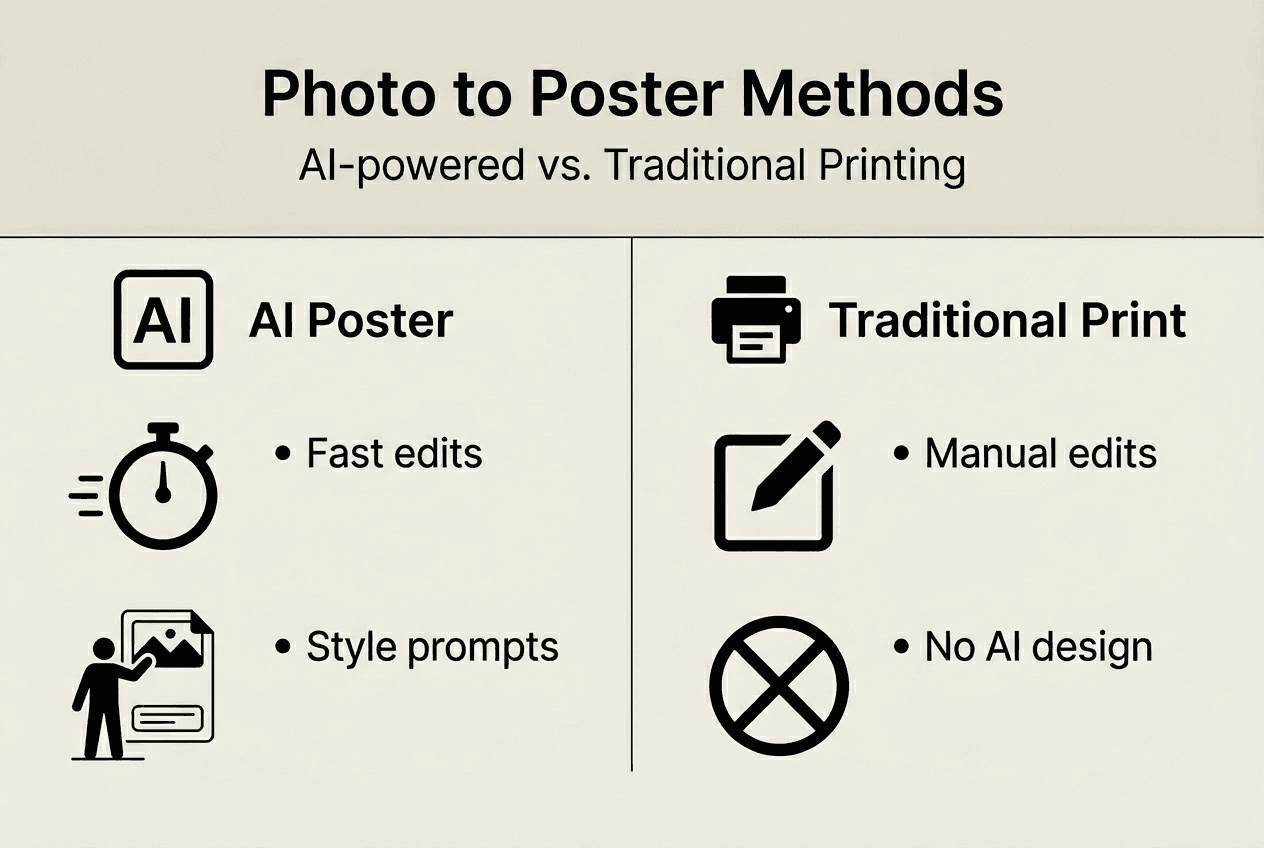
The speed difference becomes obvious when you're working on multiple posters or experimenting with different styles. Traditional printing requires you to manually edit each variation in photo editing software before uploading separate files. AI generation lets you input different prompts and instantly preview how each style affects your photo. You can test vintage looks, modern minimalism, bold graphics, and subtle enhancements within minutes, then select your favorites for printing.
| Feature | Traditional Printing | AI Poster Generation |
|---|---|---|
| Creative input | Manual editing required | Automated styling via prompts |
| Processing time | Immediate upload to print | 10-30 seconds per variation |
| Design variations | One file per manual edit | Multiple variants per prompt |
| Quality enhancement | Manual upscaling needed | Automatic AI upscaling included |
| Cost structure | Pay per print only | Free generation, pay for prints |
| User skill required | Design software knowledge | Basic prompt writing |
Cost structures differ between these approaches. Traditional services charge primarily for printing and shipping, with prices based on size and material quality. AI poster platforms often provide free generation tools, allowing you to create and preview unlimited designs before committing to a print purchase. You only pay when you're completely satisfied with a design and ready to order the physical poster. This try-before-you-buy model reduces the risk of disappointment with your final product.
The trade-off centers on control versus convenience. Traditional printing gives you pixel-perfect control if you have design skills and time to manually create exactly what you envision. AI generation sacrifices some granular control in exchange for speed, creative suggestions, and accessibility for users without design expertise. For most home decor projects, the AI approach delivers professional results faster and more affordably than learning design software or hiring a designer.
Pro Tip: Combine both approaches for optimal results. Use AI tools to generate creative variations and identify styles you love, then export the high-resolution file for printing through either the AI platform's integrated service or your preferred traditional printer for maximum flexibility.
Practical steps to create your personalized photo poster with AI
Creating your custom poster starts with selecting the right photo. Choose images with personal meaning, strong composition, and adequate lighting. Photos taken in good natural light typically upscale better than dark, grainy images. If your favorite memory exists only as a low-resolution phone photo, don't worry. AI upscaling can rescue most images, though starting with the highest quality available always produces superior results.
Follow these steps to transform your photo into a print-ready poster:
- Upload your chosen photo to an AI poster generation platform like MagicHour or similar tools
- Compose a creative prompt describing your desired style, such as "turn my family photo into minimalist wall poster with elegant frame" or "vintage sepia tone with inspirational quote overlay"
- Wait 10-30 seconds while the AI processes your image and generates multiple design variations
- Review all generated options and select your favorite designs for further refinement
- Request additional variations if needed by adjusting your prompt with more specific style directions
- Preview your selected design at your intended print size to check for clarity and detail
- Export the final design as a high-resolution PNG or PDF file at 300 DPI for printing
- Send the file to printing services or use the platform's integrated printing option
For home decor personalization, start with photo upload to AI poster tools like MagicHour and prompt with specific style requests. Upscale if needed and print at 300 DPI for sharp results. The preview step is critical and often overlooked. What looks perfect at screen size might reveal issues when you zoom to actual print dimensions. Check that faces remain sharp, text stays readable, and important details don't blur.
Print size selection depends on your wall space and viewing distance. An 11x17 inch poster works beautifully for desk areas or small wall sections. Medium spaces benefit from 18x24 inch prints that create visual impact without overwhelming the room. Statement walls and large empty spaces call for 24x36 inch or larger formats that become focal points. Consider where you'll hang the poster and how close viewers will stand when examining it.
Exporting at 300 DPI ensures professional quality regardless of size. This resolution standard means 300 dots of ink per inch, creating smooth gradients and sharp details invisible to the naked eye. Lower resolutions like 150 DPI might look acceptable on screens but produce visibly pixelated prints. Most AI tools automatically export at proper resolution, but always verify this specification before sending files to print.
Printing options include integrated services within AI platforms or local print shops. Integrated services offer convenience since your design transfers directly without file downloads or uploads. Local print shops provide more paper and finish options, from matte to glossy, standard to museum-grade archival paper. Compare prices and turnaround times, as local shops sometimes offer faster service for rush projects.
Pro Tip: Create multiple poster designs from a single photo session by varying your prompts. A beach vacation photo could become a bright, vibrant summer poster with one prompt and a moody, artistic piece with another, giving you coordinated wall art series from one photoshoot.
Enhance your home decor with Posterify's AI-generated posters
Transforming your favorite photos into professional wall art shouldn't require design expertise or expensive software. Posterify simplifies the entire process by combining AI-powered design tools with premium printing services in one seamless platform. Upload your images, describe your vision, and watch as AI generates multiple poster variations tailored to your style preferences.
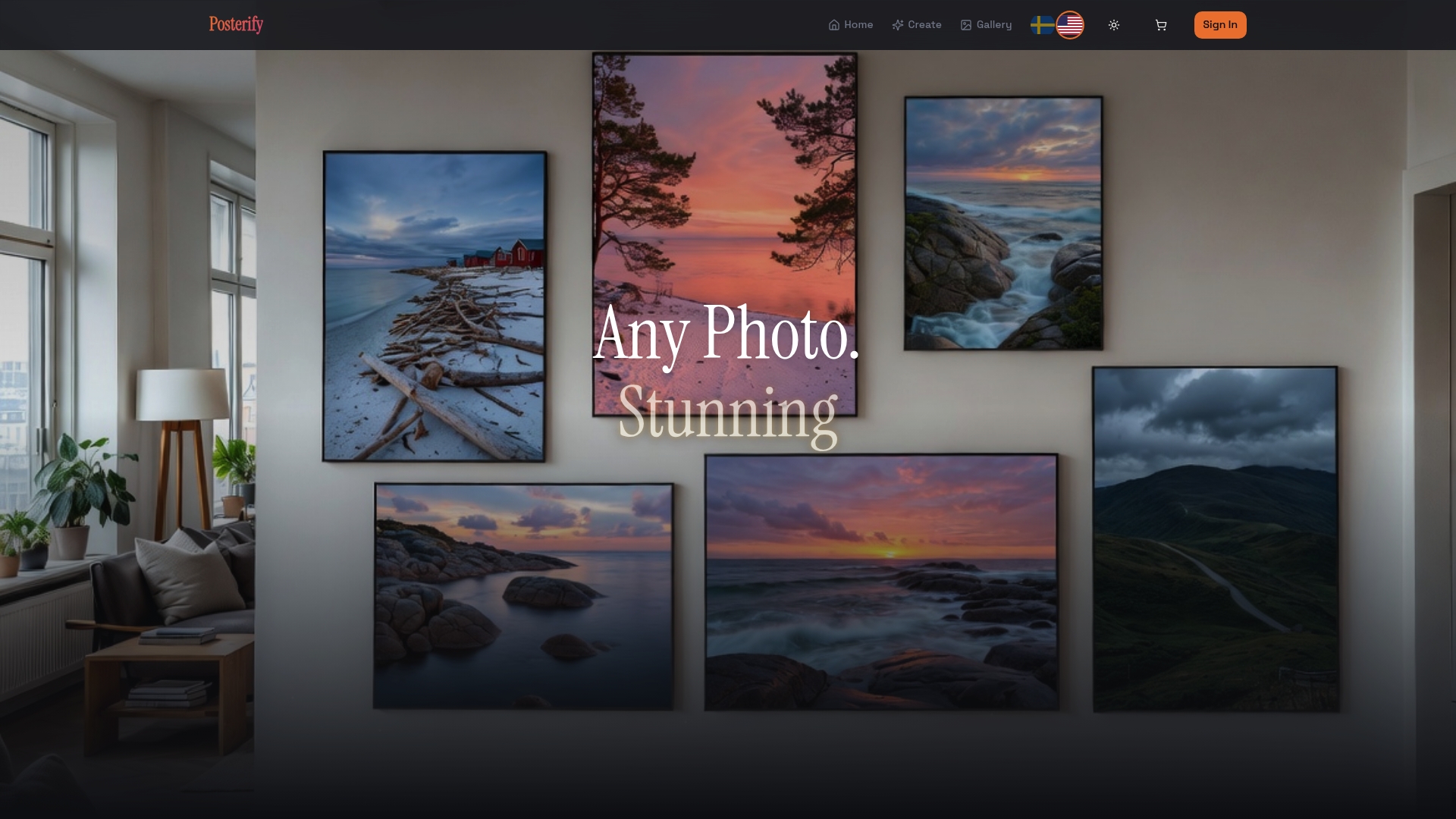
Every Posterify poster prints on museum-grade paper at guaranteed 300 DPI resolution, ensuring your memories look stunning on your walls. The platform handles everything from AI editing and upscaling to professional printing and fast shipping within the USA. Whether you're creating a single statement piece or a gallery wall collection, AI-generated poster printing makes personalization effortless. Your custom wall posters arrive ready to frame within 2-5 business days, transforming your space with memories that matter most to you.
Frequently asked questions
What is photo to poster printing?
Photo to poster printing converts your digital photos into large format printed posters for wall display. AI-enhanced versions use machine learning to upscale images, add creative styling, apply text overlays, and generate design variations automatically before printing at professional quality.
Can AI fix low-quality photos for poster printing?
AI upscaling technology can improve low-resolution photos significantly by increasing detail up to 16x original size. While results depend on the source image quality, most photos suitable for social media can be enhanced enough for quality poster prints at standard sizes like 18x24 inches.
How long does AI poster generation take?
Most AI poster tools generate multiple design variations in 10-30 seconds after you upload your photo and enter style prompts. Total time from upload to print-ready file typically ranges from 2-5 minutes, including review and selection of your preferred design.
What photo formats work best for AI poster creation?
JPEG and PNG formats work universally across AI poster platforms. Higher resolution source files produce better results, with images over 2MB typically containing sufficient detail for quality upscaling and enhancement to poster dimensions.
Do I need design skills to create AI posters?
No design experience is necessary for AI poster creation. The technology interprets simple text prompts describing your desired style, like "vintage" or "minimalist with quote," and automatically applies professional design techniques. You simply choose which generated variation you prefer.
What's the difference between 150 DPI and 300 DPI for posters?
300 DPI produces significantly sharper prints than 150 DPI, with smoother color gradients and crisper details. While 150 DPI might appear acceptable for posters viewed from several feet away, 300 DPI ensures professional quality at any viewing distance and is the industry standard for quality prints.